
Today’s quiz
A handful of questions on geography, science, history, sport or the arts — as close as possible to each player’s level, or the same for everyone if you’d rather play on equal footing. Every answer comes with an explanation.
Kinjam gives your family a short, joyful daily ritual: a quiz, a word to guess, a calculation. Everyone plays on their own device, whenever suits them, and everyone’s results are revealed together at the time your family chooses.
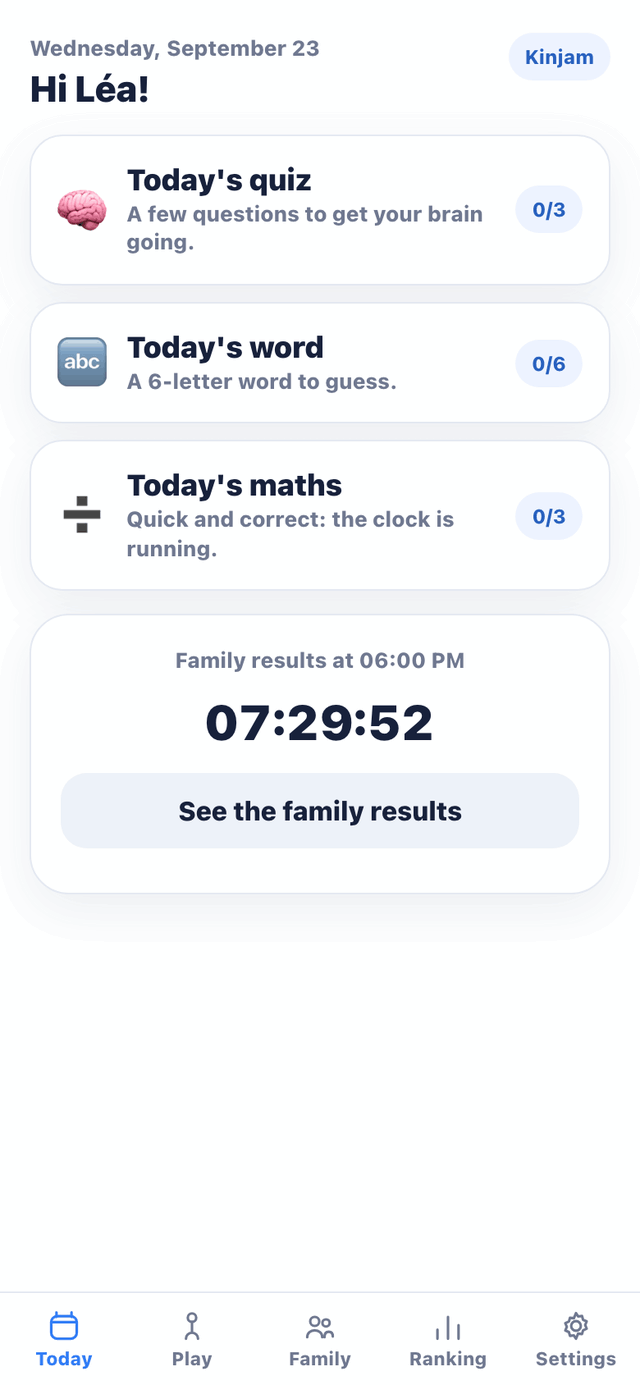
Short enough for a bus ride. Varied enough that no one always wins.
A handful of questions on geography, science, history, sport or the arts — as close as possible to each player’s level, or the same for everyone if you’d rather play on equal footing. Every answer comes with an explanation.
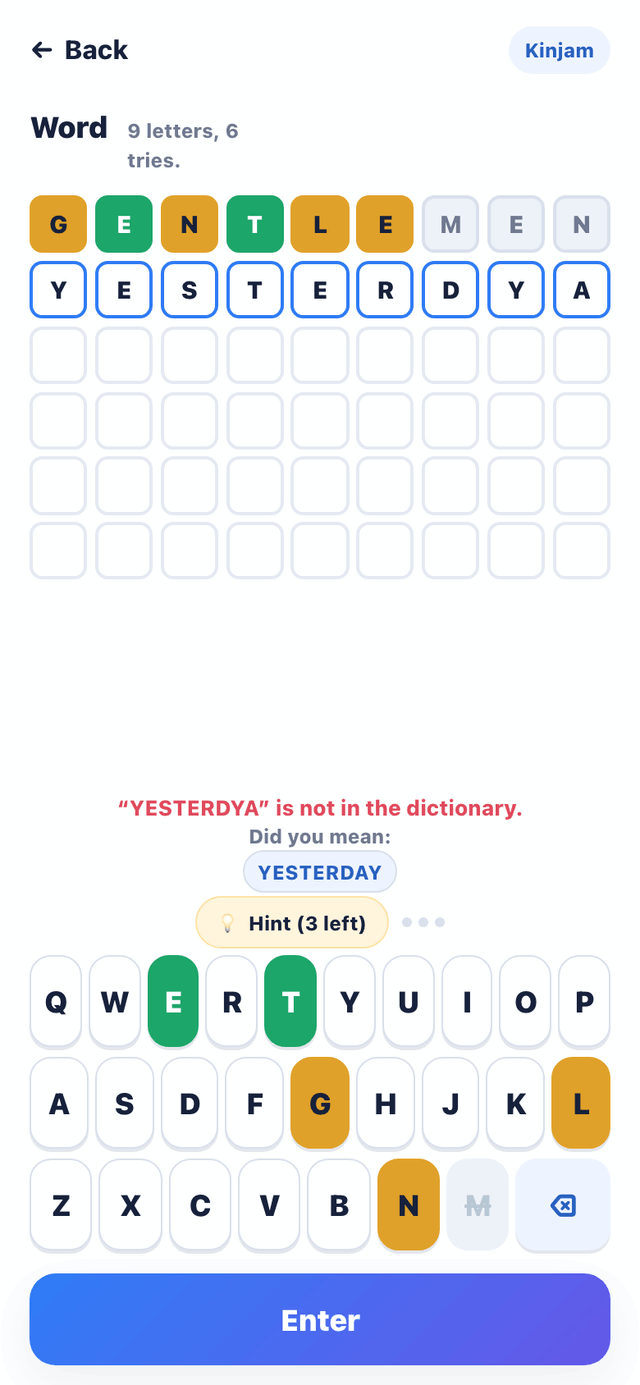
A word to guess in six tries, the same for the whole family. Every guess has to be a real word, checked against a dictionary in your language; a typo never costs a try, and the app suggests the word you meant. Correctly placed letters show as faint hints on the next row, and accents don’t count.
A few timed sums, as close as possible to each player’s level. Right or wrong, the method is explained step by step.
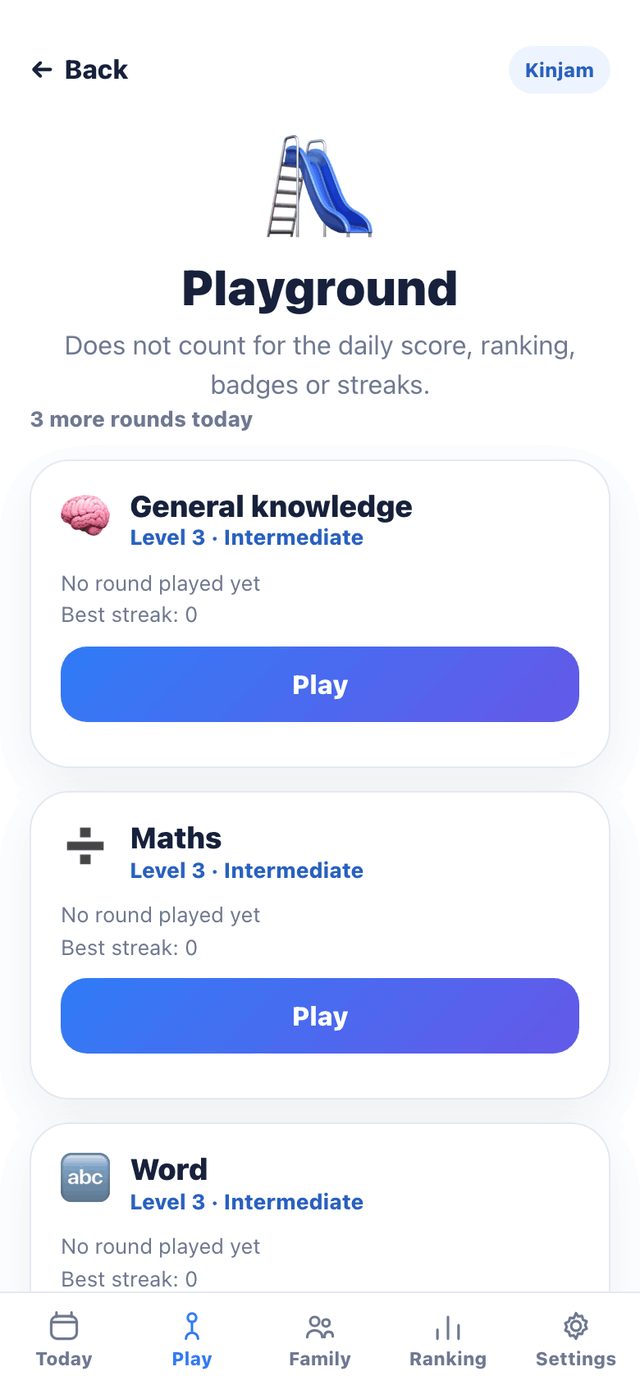
Finished today’s challenges already? The Playground offers extra rounds to play whenever you like: ten general-knowledge questions, ten sums, or one word to guess. A way to practise and progress, at your own level.
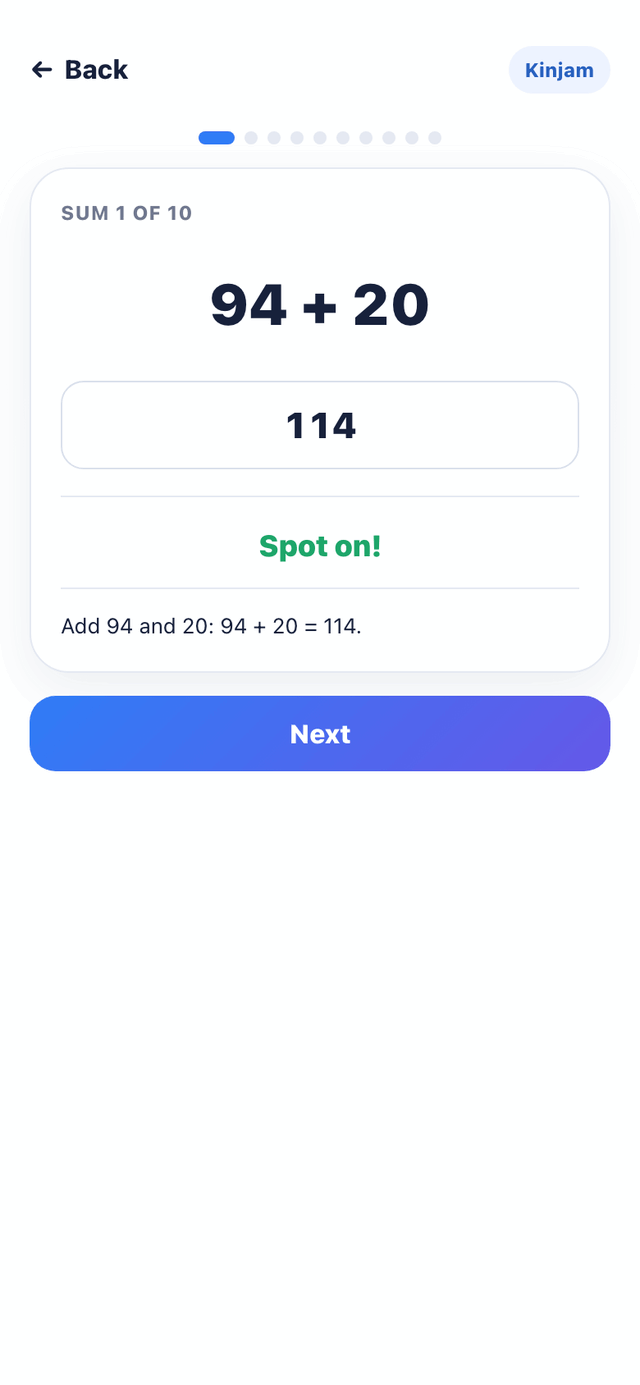
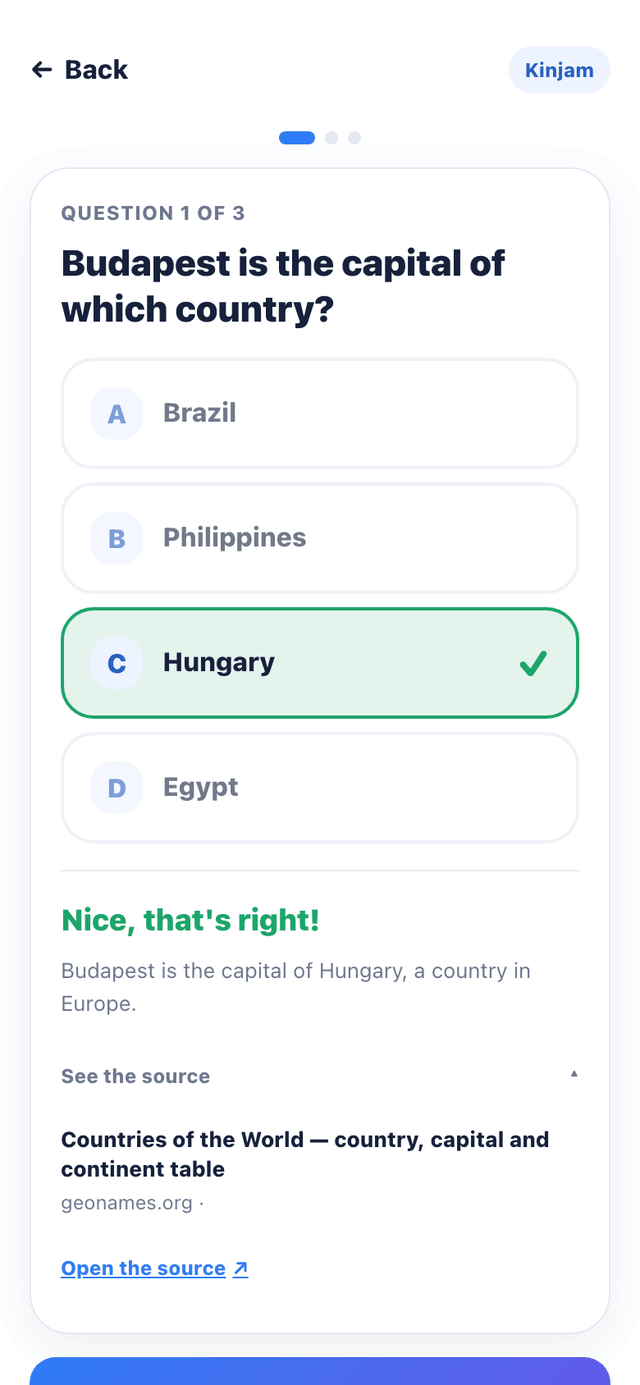
That’s the difference between a quiz game and an educational one. After answering, you read why the answer is what it is — and if curiosity strikes, you can open the source itself.
Every quiz question links to at least one real reference: GeoNames, France Diplomatie, the British Museum, UNESCO, sports federations for the rules of the game. An answer that needs a nuance is marked “Needs nuance” (“Bern is Switzerland’s federal city, not a capital in law”), and one that can change over time is marked “May change”.
The link stays collapsed: a child who just wants to play is never interrupted, and a curious parent finds the reference in one tap.
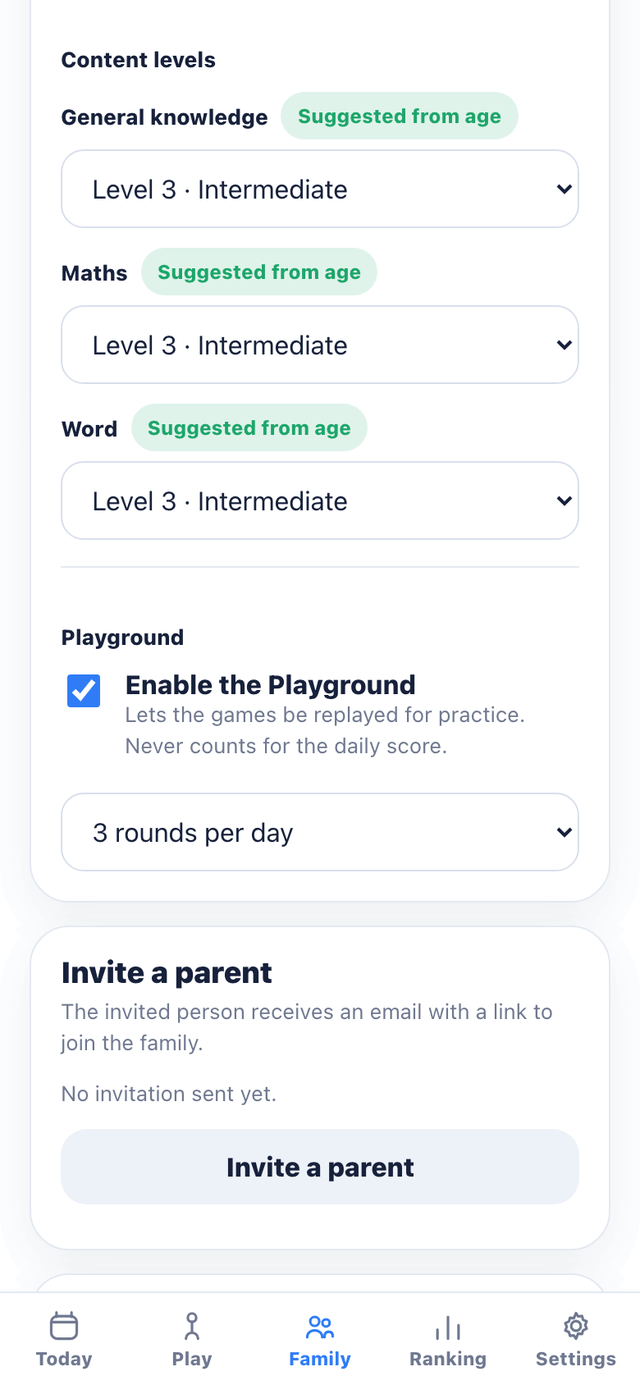
Discovery, Explorer, Intermediate, Advanced, Expert. Age is only used to suggest a starting point: a parent then chooses each member’s level, subject by subject, and the quiz and the maths follow that choice.
When someone does very well — or struggles — in the Playground, the app suggests a change of level. It never makes the change itself: a parent decides.
In the same place, a parent switches the Playground on or off for a child and chooses how many rounds they can play there each day.
Today’s challenges and a few Playground rounds are downloaded ahead of time and kept on the device, along with the word game’s dictionary. On the underground, in the car, in the room where the wifi doesn’t reach: the app opens, plays and responds normally.
Answers given offline are kept and sent on their own as soon as the connection returns. Nothing to do, nothing to lose — and a banner clearly shows how many answers are still waiting.
No one sees anyone else’s score before the time the family has chosen — 6 pm by default. Before that, you only know who has played. That’s what turns separate games into a shared moment.
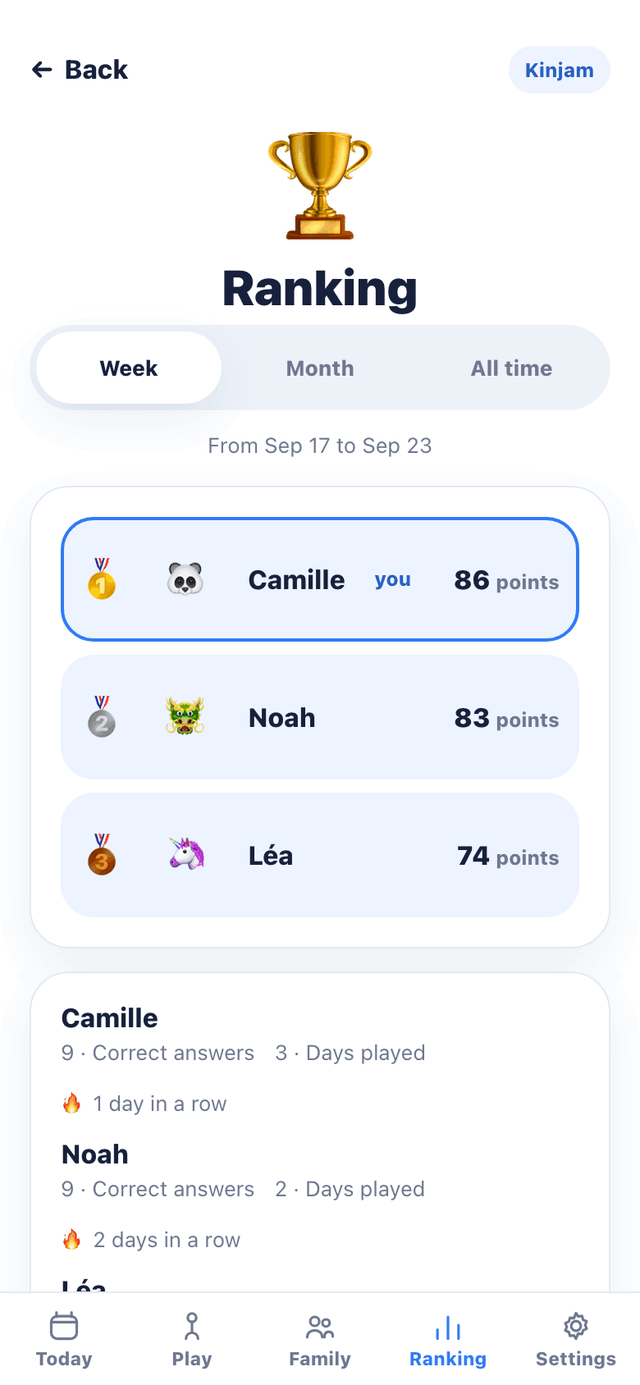
The ranking keeps track of ongoing streaks and days played, not just points: whoever finishes last still has something of their own on the board. And badges reward taking part and curiosity, never a failure.
A parent can also start an instant challenge: a live round of two, five or ten minutes, everyone on the same questions. That one needs a connection.
At breakfast, on the bus, after school. Three short challenges, on their own device, whenever suits each player.
Until the reveal time, you only know who has finished. Not the scores, not the answers.
At the set time, the family’s results appear. And that’s where the discussion starts.
Getting the whole household playing takes a few minutes, and children have nothing to remember.
A parent creates each child’s profile. The child signs in by scanning a short-lived QR code, or with the family code on a trusted device.
Invite another parent by email. A parent can also run several families — two households, for example — and switch between them.
Write questions just for your family: they find their way into upcoming daily quizzes. They’re often the ones that make everyone laugh.
For a child: a first name, an avatar and, if you wish, their year of birth — never the full date. No ads, no selling of data. A parent can delete their account themselves, with seven days to change their mind.
Kinjam opens in the browser, on a phone, tablet or computer, and can be added to the home screen like an app. Create your parent account and your family: a few settings, and the first challenge can begin.
Start playing